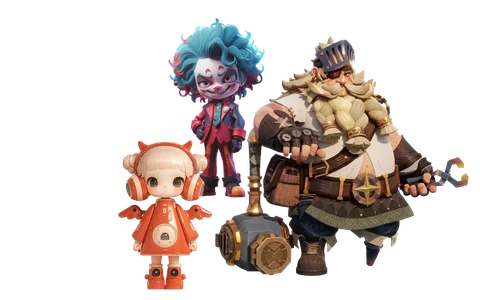
Turn Any Image into a 3D Model
Free, online, no sign-up — turn any image into an editable, textured 3D model in ~40s. Export GLB, OBJ & STL to Blender, Unity or your 3D printer.
AI Image-to-3D Workbench
Upload a reference image, pick a model and polygon budget. Free preview renders are watermarked at up to 20K faces — create a free account to download full quality.
Image to 3D Generators Compared
How ImageTo3D stacks up against the tools most people search for — updated as engines ship new versions.
| Platform | Best for | Free tier | Export formats |
|---|---|---|---|
| ImageTo3D | Multi-engine generation with a no-sign-up free trial | 2 anonymous previews/day, plans from $19.9 | GLB, OBJ, STL, FBX, USDZ |
| Meshy | All-in-one platform for games, AR and animation | 100 credits/mo (CC BY 4.0) | GLB, FBX, OBJ, STL |
| Tripo | Fastest generation with clean quad meshes | 200 credits/mo, non-commercial | USD, FBX, OBJ, STL, GLB |
| Rodin (Hyper3D) | Production-grade character and 4D work | Pay-per-result free preview | GLB, FBX, OBJ, USDZ |
For a free, no-sign-up way to test any image across multiple AI engines, ImageTo3D gets you a watermarked preview in ~40 seconds; Meshy and Tripo remain strong all-in-one platforms once you need animation and texture tooling at scale.
AI 3D Model Library
From characters and props to scenes and vehicles — all AI-generated with automatic topology, ready to download into your engine.
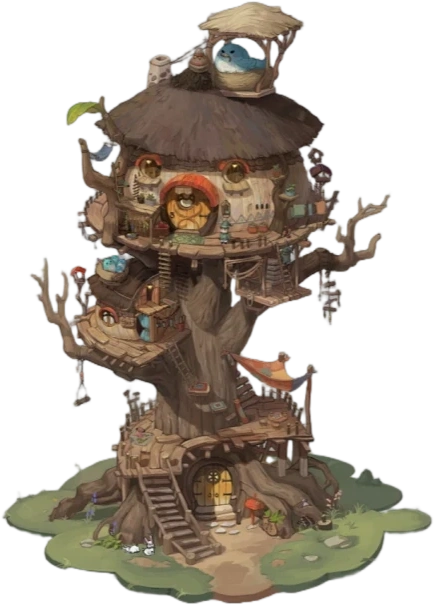 Fantasy treehouse scene
 Cartoon zombie character
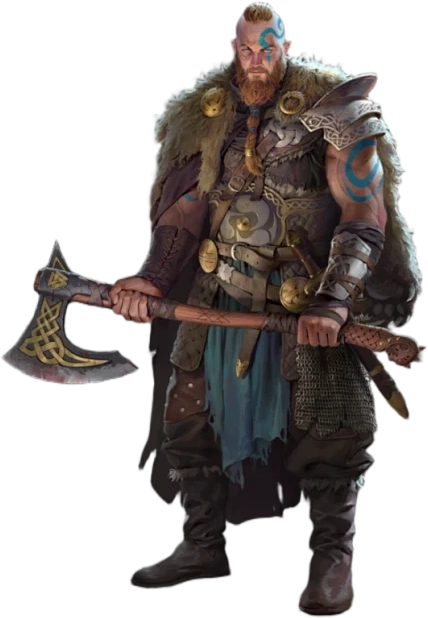 Viking warrior with axe
 Chibi collectible toy
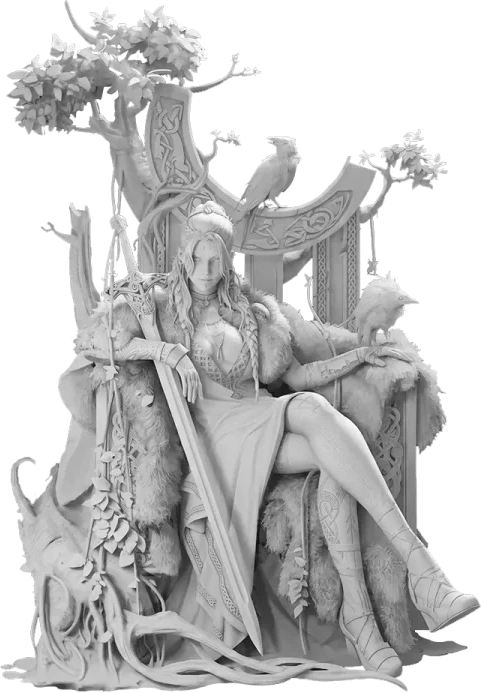 Marble sculpture group
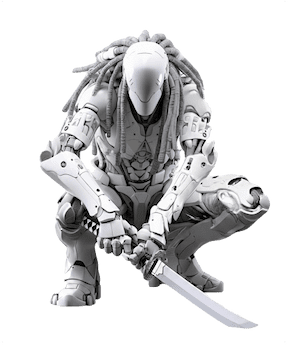 Sci-fi armored assassin
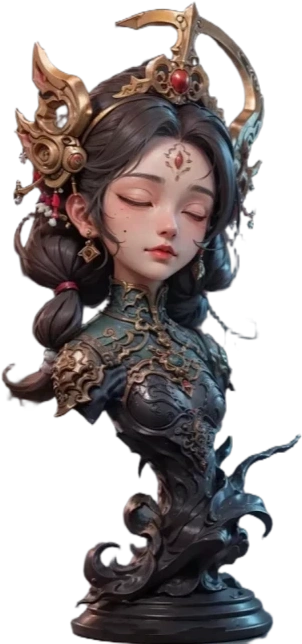 Dark sorceress bust
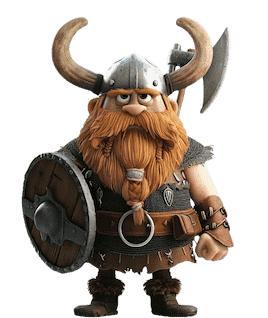 Stylized viking dwarf
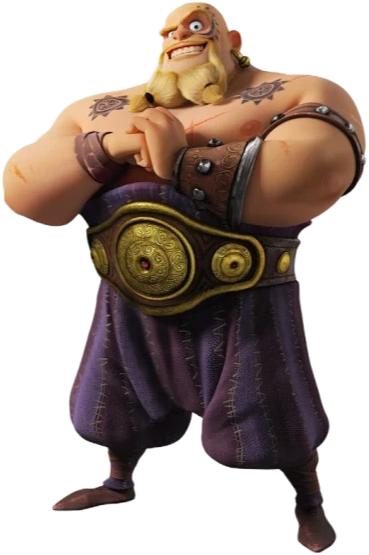 Brawler character
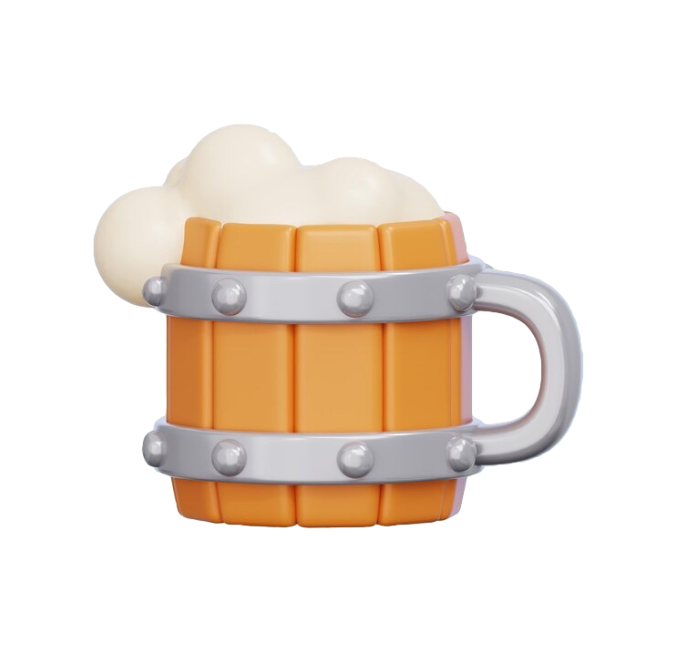 Wooden mug prop
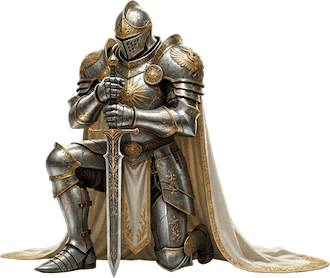 Golden knight statue
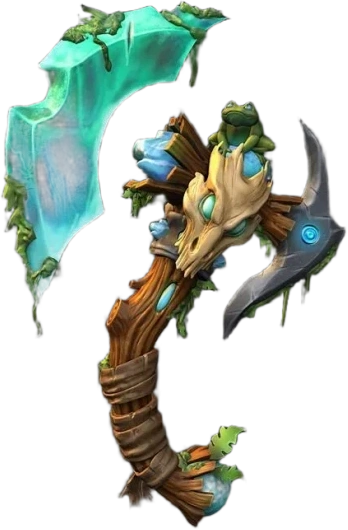 Enchanted axe weapon
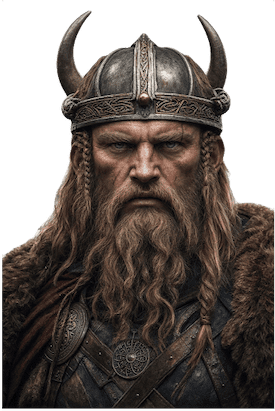 Viking warrior bust
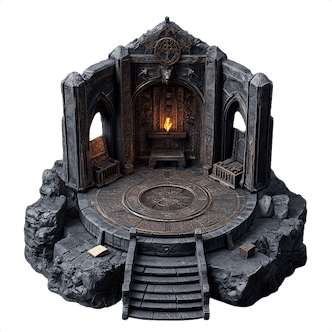 Dungeon altar scene
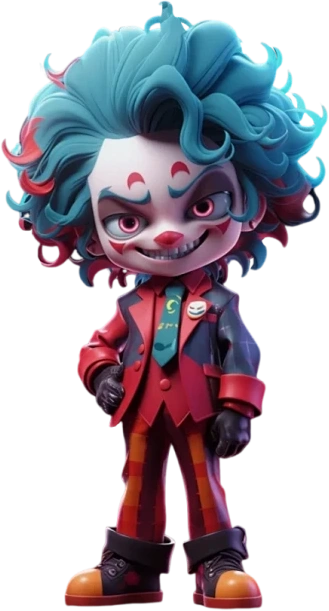 Jester character
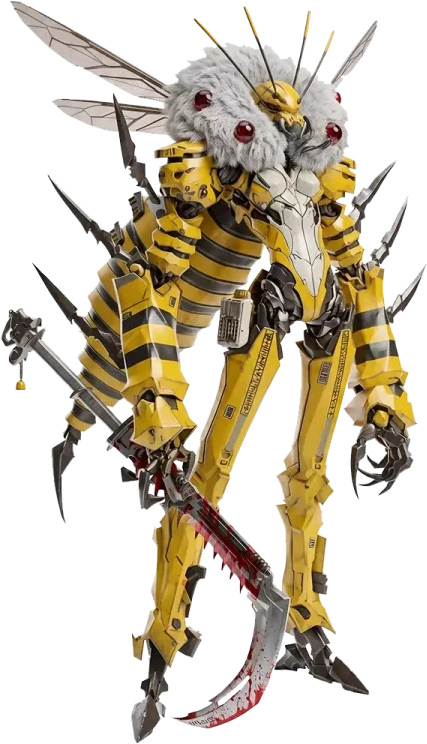 Alien insect creature
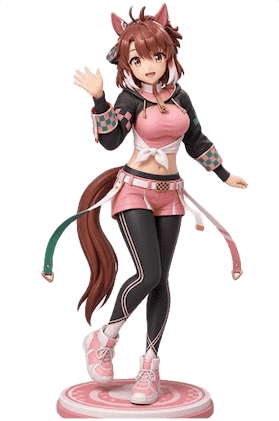 Anime figurine
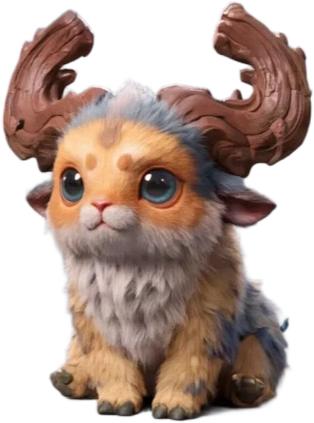 Fluffy fantasy creature
Three steps from one reference image to a deliverable model
Upload a reference, generate the polygon mesh, then export to any pipeline. Everything runs in the browser — your model data never leaves.
Upload reference
Drop in a front photo or a multi-angle set; the system separates the subject silhouette and material regions automatically.
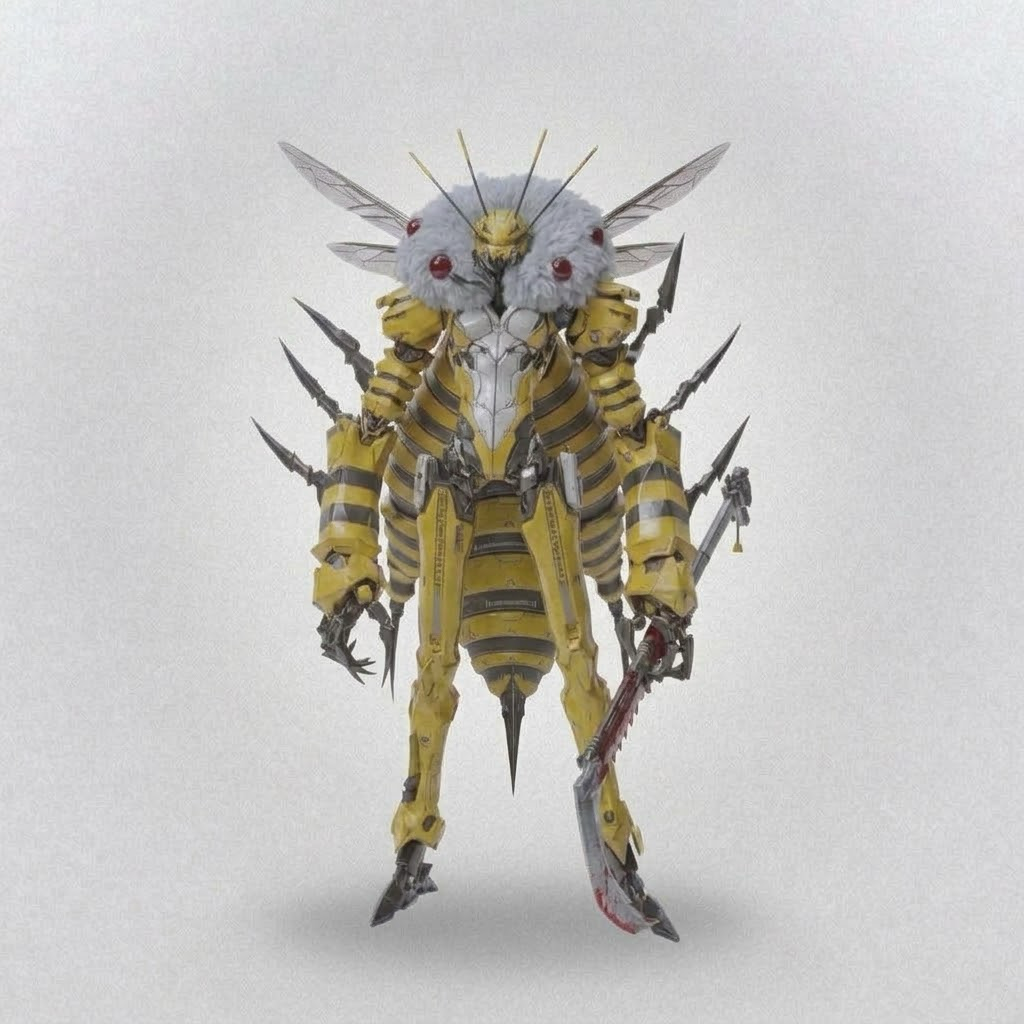 FRONT
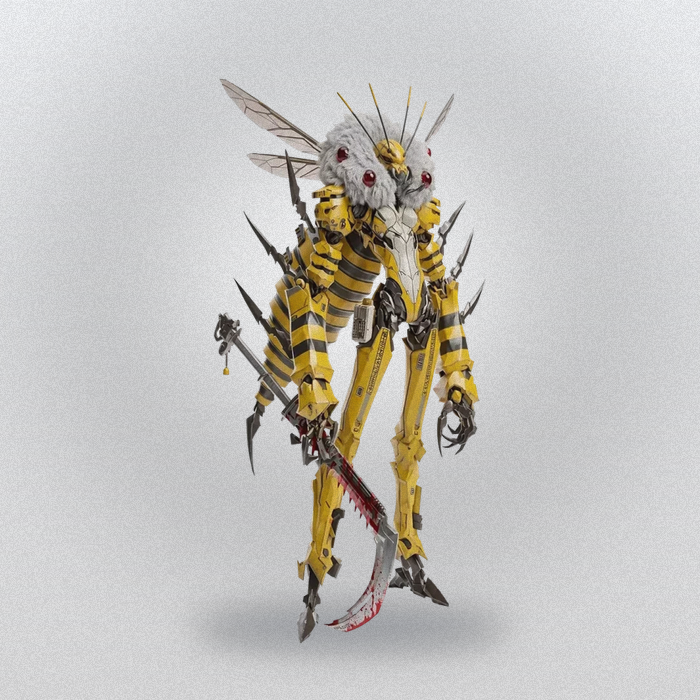 3/4 L
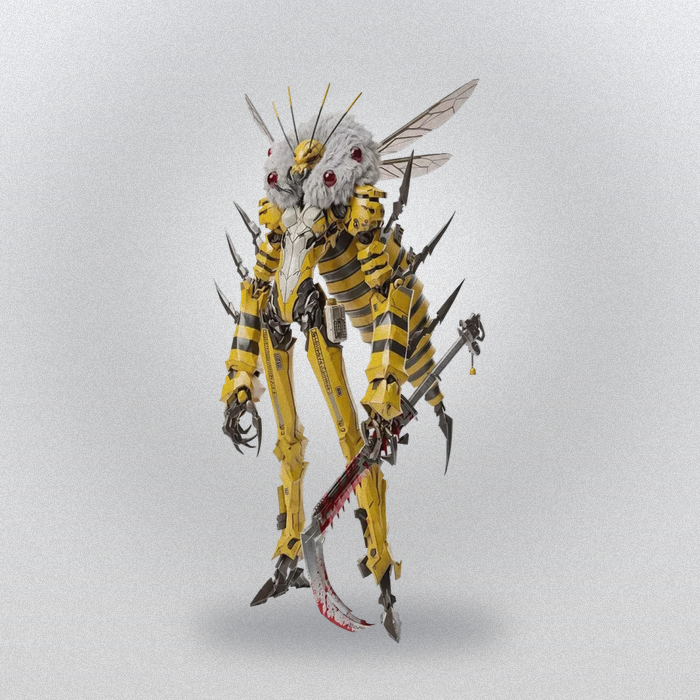 3/4 R
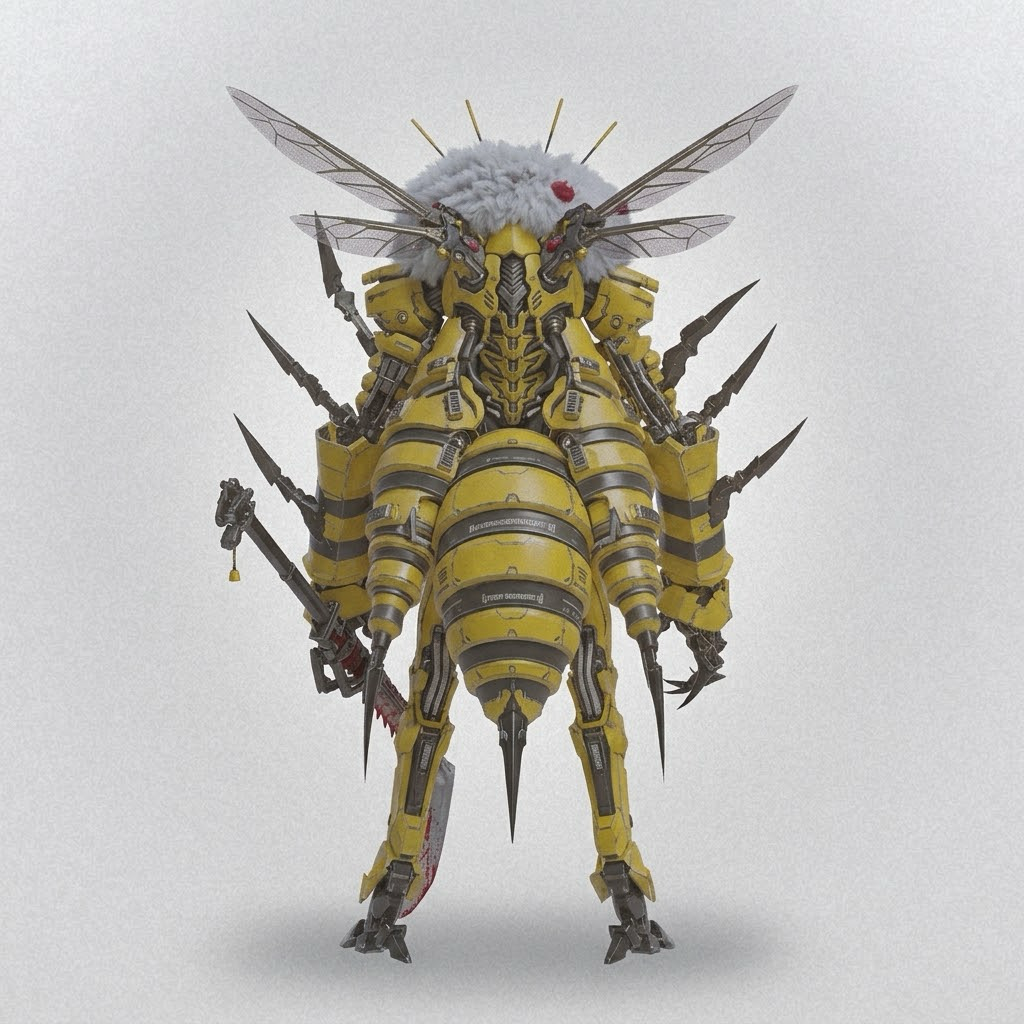 BACK
AI mesh generation
Rebuilt into a polygon mesh within seconds, with occluded areas filled and surface noise cleaned automatically.
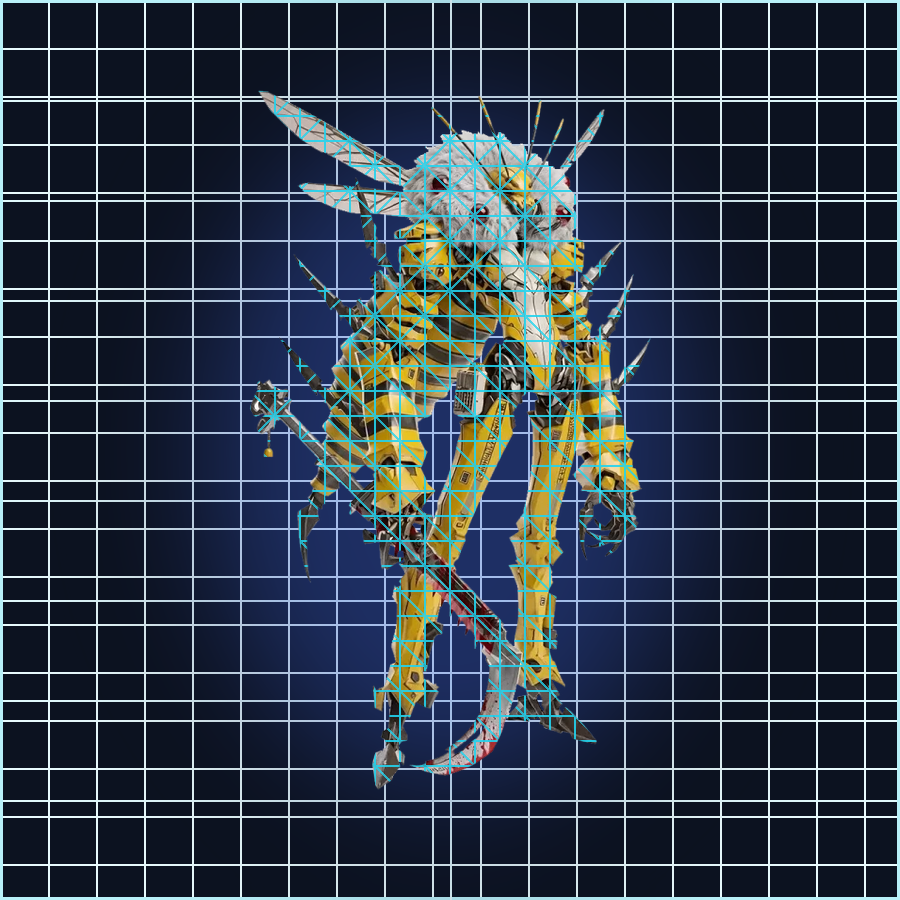
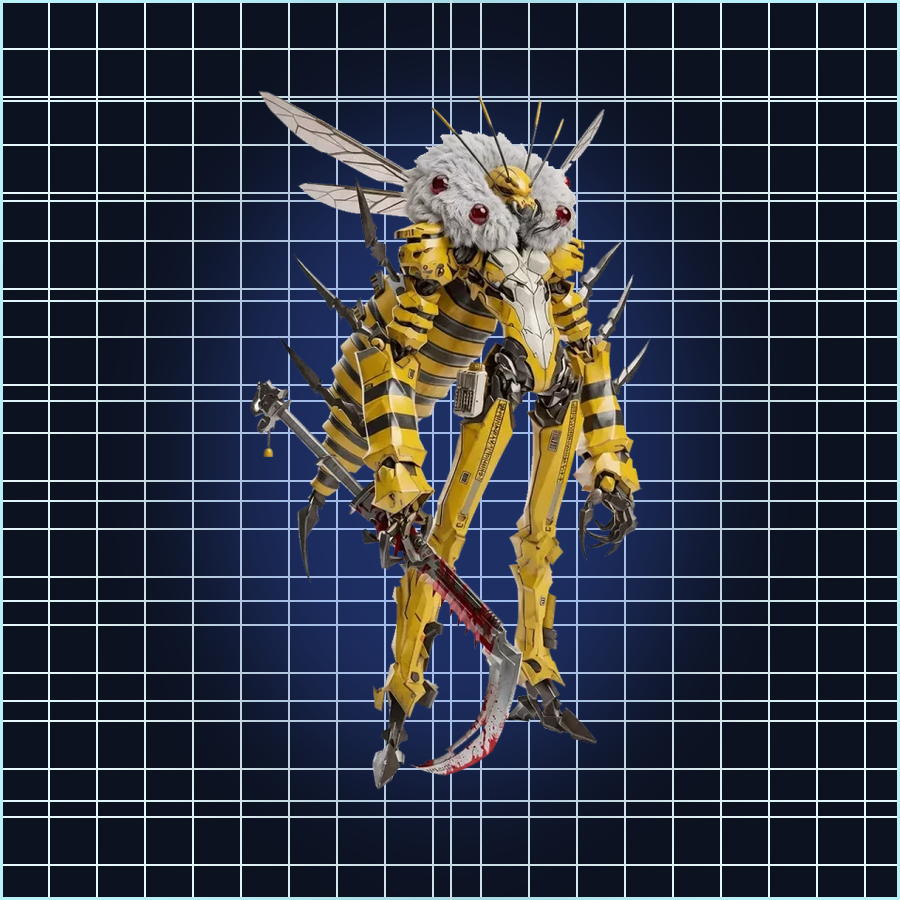
Export model
Pick the target format and polygon budget, then export straight into sculpting, engine or slicing pipelines.
For game engines and sculpting pipelines
Blender / Maya / UnityFor web display and immersive experiences
Three.js / Babylon / UnrealFor 3D-printing slicer pipelines
Cura / Bambu StudioBuilt for every creator
From pixels to polygons in one generation. Whether you build games, print physical models, or just want to see an idea in 3D, ImageTo3D compresses the pipeline to its shortest.
 HOVERImage to 3D
Game Development
Generate engine-ready meshes straight from concept sketches and validate levels and gameplay in days.
Text to 3D3D Printing
Export STL / OBJ and slice directly — no manual retopology or hole repair needed.
Image to 3DXR · VR Experiences
Generate fully textured immersive scene assets to prototype spatial experiences fast.
Text to 3DCreative Portfolios
Turn sketches into displayable 3D pieces — a portfolio that goes beyond flat images.
What creators say
Feedback from indie developers, print studios and XR teams.
03 STORIESOne concept sketch is enough — the mesh ships with full textures and drops straight into the engine.
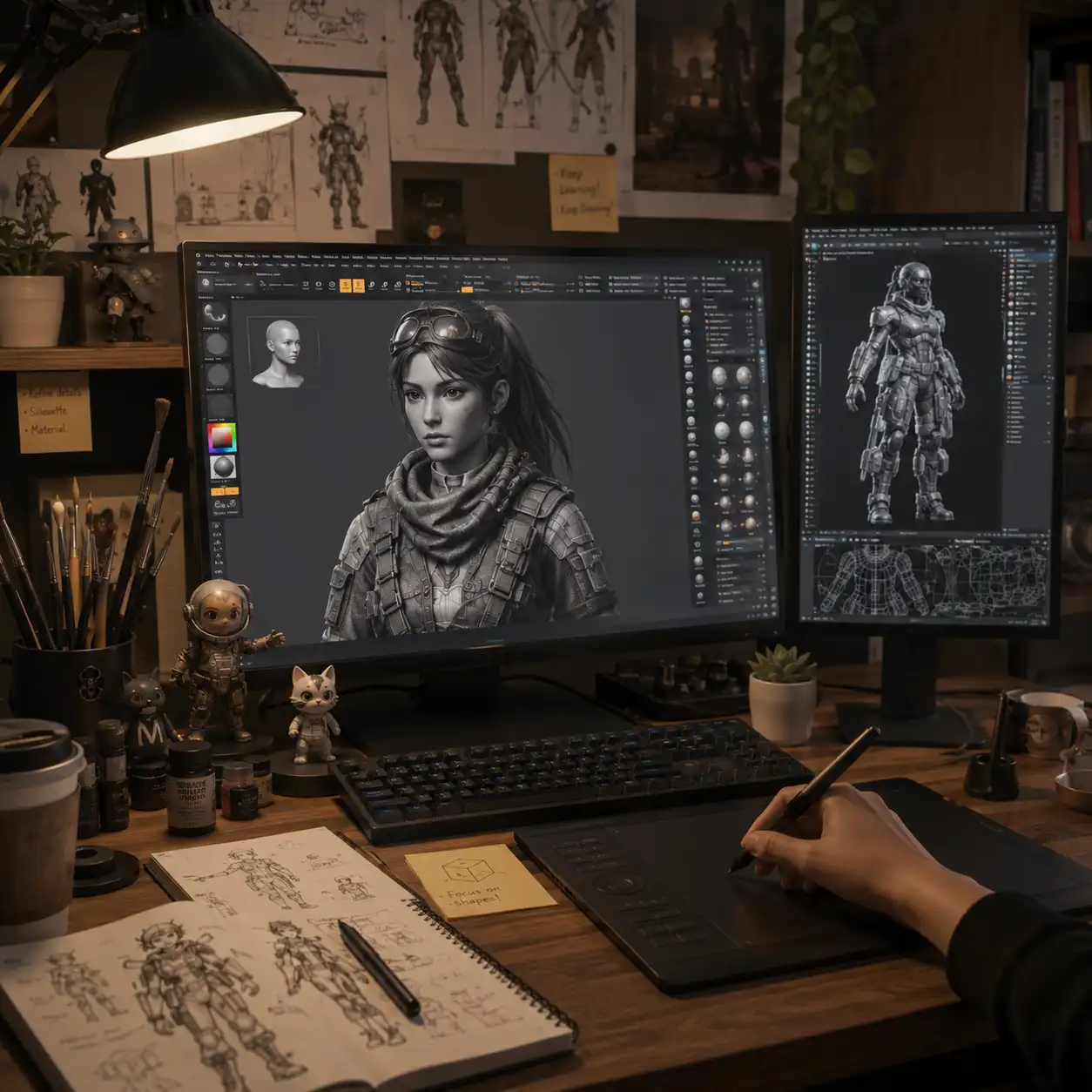 CY
Throw in a product photo, and while the slicer reads the file I have time to reply to an email.
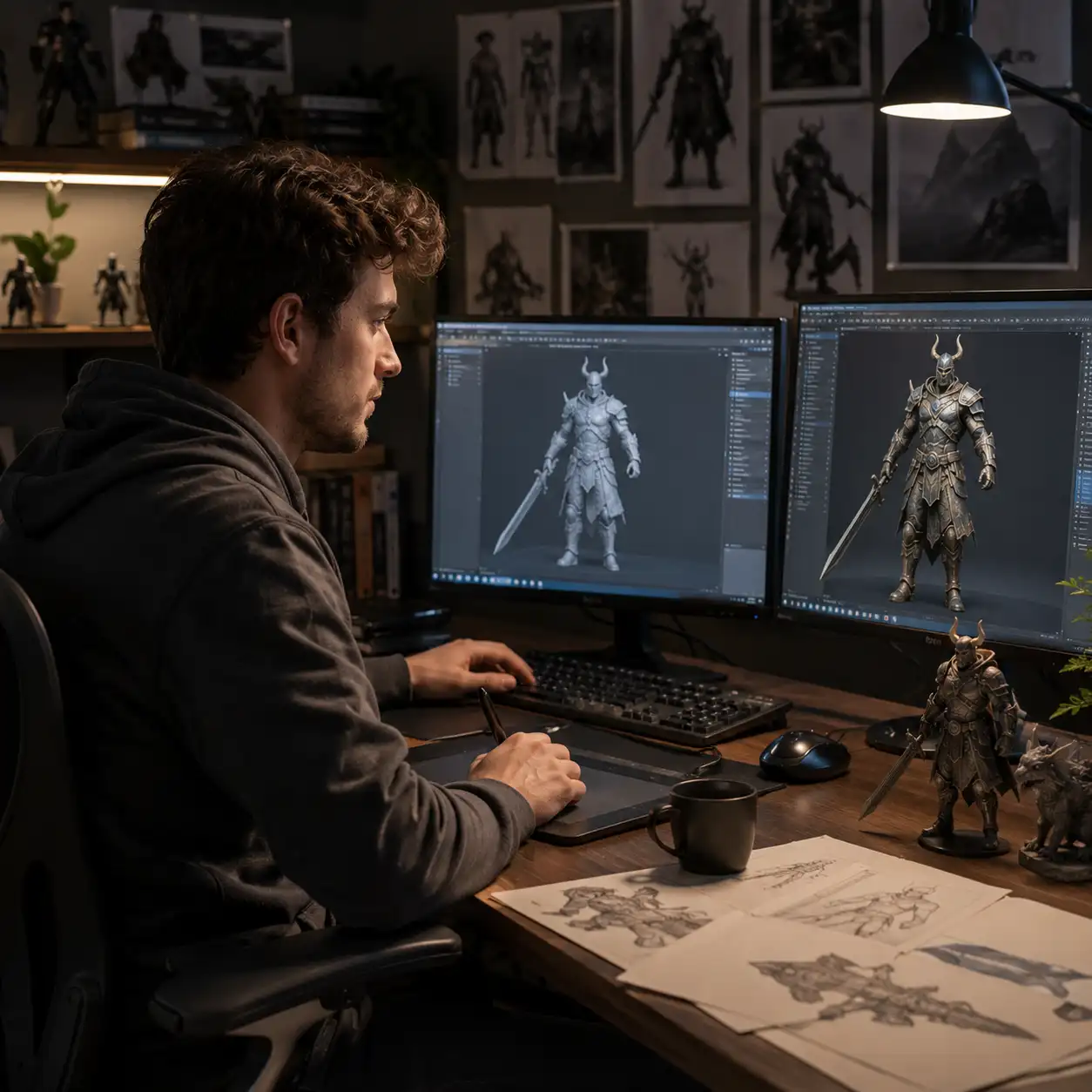 LY
Clean surfaces even at 400K faces, textures without stretching — no more manual touch-ups in scenes.
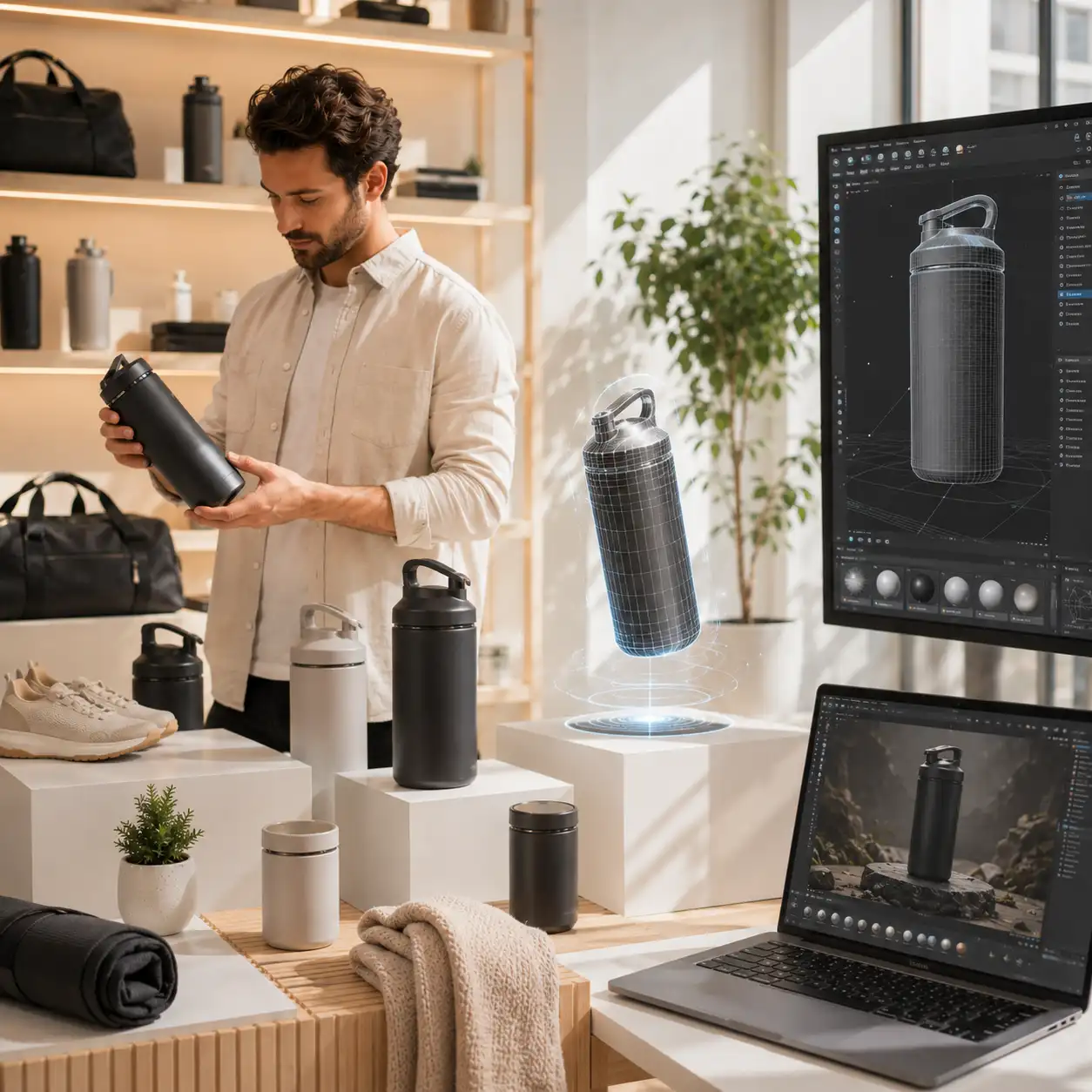 HZ
FAQ
About the free trial, generation speed, export formats and commercial licensing.
10 QUESTIONSHow long does one model take?
Most product shots and still lifes finish within half a minute; high-precision mode is a bit slower, and you can switch precision any time after previewing.
Do I need modeling skills?
No. Upload a reference, wait for generation, download the file — all in the browser; further refinement is up to you.
Which export formats are supported?
All three mainstream formats are supported: two come bundled with textures for direct engine import; one is mesh-only, ready for slicers.
Can I use generated models commercially?
Paid plans include a commercial, client-ready license. Free preview renders are for personal evaluation — upgrade to Pro to ship models in client and product work.
Is it really free without signing up?
Yes. You get 2 free preview renders per day without an account — watermarked, up to 20K faces. That is enough to test any image before you commit.
What are the limits of the free preview?
Free previews are watermarked and capped at 20K polygons. A free account unlocks watermark-free downloads at the same quality; Pro raises the ceiling to 1M faces with full texture maps.
Which AI engines can I choose?
The workbench lets you pick between reconstruction engines tuned for different subjects — hard-surface props, characters or organic shapes. You can switch engines between previews at no cost.
Is the output printable / watertight?
Yes. The mesh reconstruction fills occluded areas and produces a watertight, manifold mesh that slices cleanly in Cura, PrusaSlicer or Bambu Studio. Export STL for printing.
OBJ, GLB or STL — which should I pick?
GLB for web, AR and engines (textures bundled, smallest file). OBJ for Blender, Maya and sculpting pipelines. STL for 3D printing slicers — mesh only, no textures.
How is this different from height-map converters?
Height-map tools turn pixel brightness into a flat relief. This generator reconstructs a full, editable 3D model — including the hidden sides — so results are usable in engines and printers, not just as plaques.
Simple credit plans for every creator
100 credits ≈ $1 of generation — every engine shows its credit cost before you run it. Cancel anytime, 14-day refund.
Ready to turn your next image into a 3D asset?
Generate models free without signing up. Upgrade to Pro for million-face meshes, unlimited generations, full texture maps and commercial licensing.